Solar system with battery diagram (no grid)
Editable template of a solar system with a hybrid inverter and battery bank, with no grid connection. See how the parts connect and adapt it online.
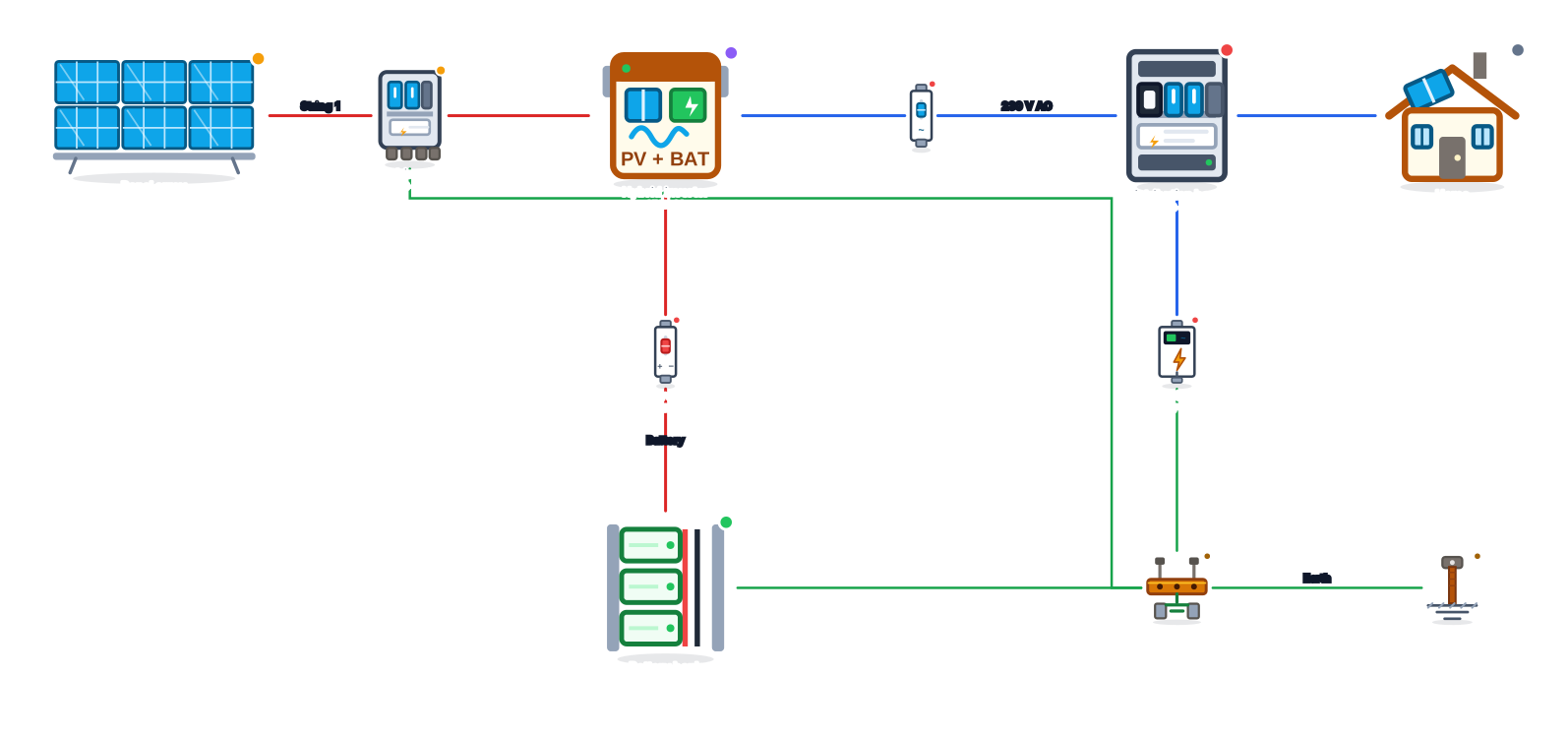
What the diagram shows
This template represents a solar system with battery storage in which the home is powered by the panels during the day and by the battery bank at night, without depending on the grid. The heart of the system is a hybrid inverter, which combines the charge controller, the inverter and battery management in a single unit.
The energy path is panel array → combiner box → hybrid inverter → AC breaker → distribution board → home, with the battery bank connected to the inverter through its own DC breaker and the AC SPD in the board. The equipment enclosures go to the earth busbar, connected to the earth rod.
Diagram components
- Panel arrayGroup of modules shown as a block.
- Combiner boxString combiner and protection box.
- Hybrid inverterInverter with simultaneous battery and grid support.
- DC breakerBreaker for direct-current circuits.
- Battery bankSet of interconnected batteries.
- AC breakerBreaker for alternating-current circuits.
- Distribution boardSystem distribution and protection board.
- HomeResidential consumer unit.
- AC SPDSurge protector for alternating current.
- Earth busbarEarth equipotential bonding busbar.
- Earth rodEarth (ground) rod driven into the soil.
How it works, step by step
- During the day, the panels power the home and the surplus charges the battery bank.
- At night or when it is cloudy, the inverter draws energy from the batteries to keep the circuits running.
- Bank protection: the DC breaker between the inverter and the batteries protects the cables, which carry high currents in that section, especially in 12 or 24 V banks.
- Management: the inverter controls charging and discharging within the limits set for the battery type (lithium or lead-acid).
When to choose this template
It is a good base for country houses, small farms and small installations where a grid connection does not exist or is not worth it, but that do not need a generator. It also helps to study how a hybrid inverter is wired before connecting it to the grid.
The critical point is the bank size: it must carry the loads through the night and, ideally, a few cloudy days. The article on battery bank backup time shows how to estimate it.
Tips to adapt the template
- Replace the battery bank with individual batteries to show the series or parallel connection, as in the tutorial on batteries in series and in parallel.
- Add a generator and an automatic transfer switch (ATS) if the site has long periods without sun.
- Put the essential loads on a second board to show what stays on when the battery is low.
- Note the bank voltage (for example, "48 V DC") in the label of the battery connection.
Frequently asked questions
What is the difference between a hybrid inverter and an off-grid inverter?
The off-grid inverter works only with batteries and no grid. The hybrid one manages panels, batteries and, when there is one, the grid; in this template it is used without the grid, but it can be connected to it in the future.
Which bank voltage should I use?
It depends on the inverter. Residential equipment almost always works at 48 V, which lowers the current in the cables. Small systems can use 12 or 24 V.
Can I mix different types of battery?
It is not recommended. Batteries of different chemistry, capacity or age go out of balance and shorten the life of the bank. Always use identical units.
Edit this template in Editor Solar
The template is already open in the editor below. Move the equipment, change labels, add protection devices and export to PNG, SVG or PDF, free and without signing up.
 On-grid (grid-tied) solar system diagram
 Hybrid inverter with battery and grid diagram
 Off-grid (stand-alone) solar system diagram
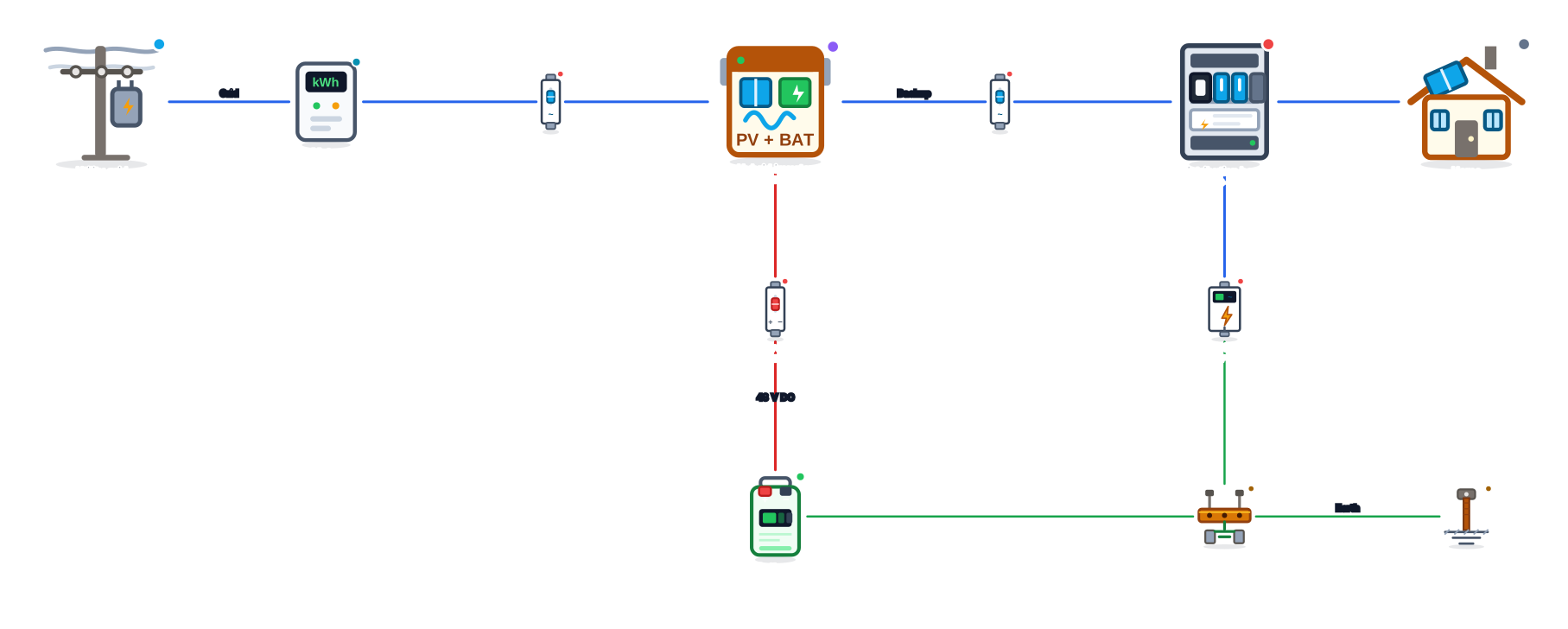 Home battery backup diagram
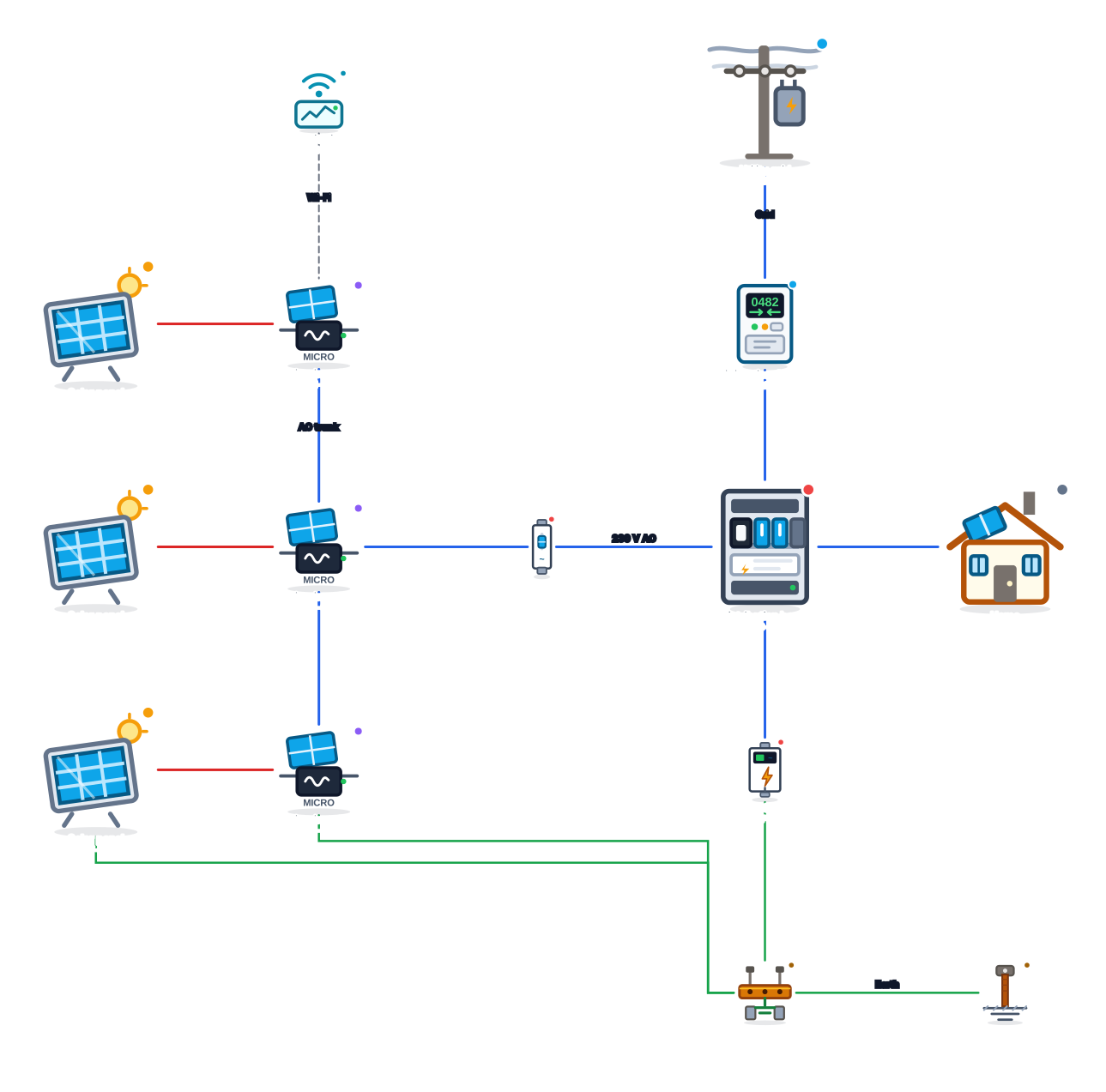 On-grid diagram with microinverters
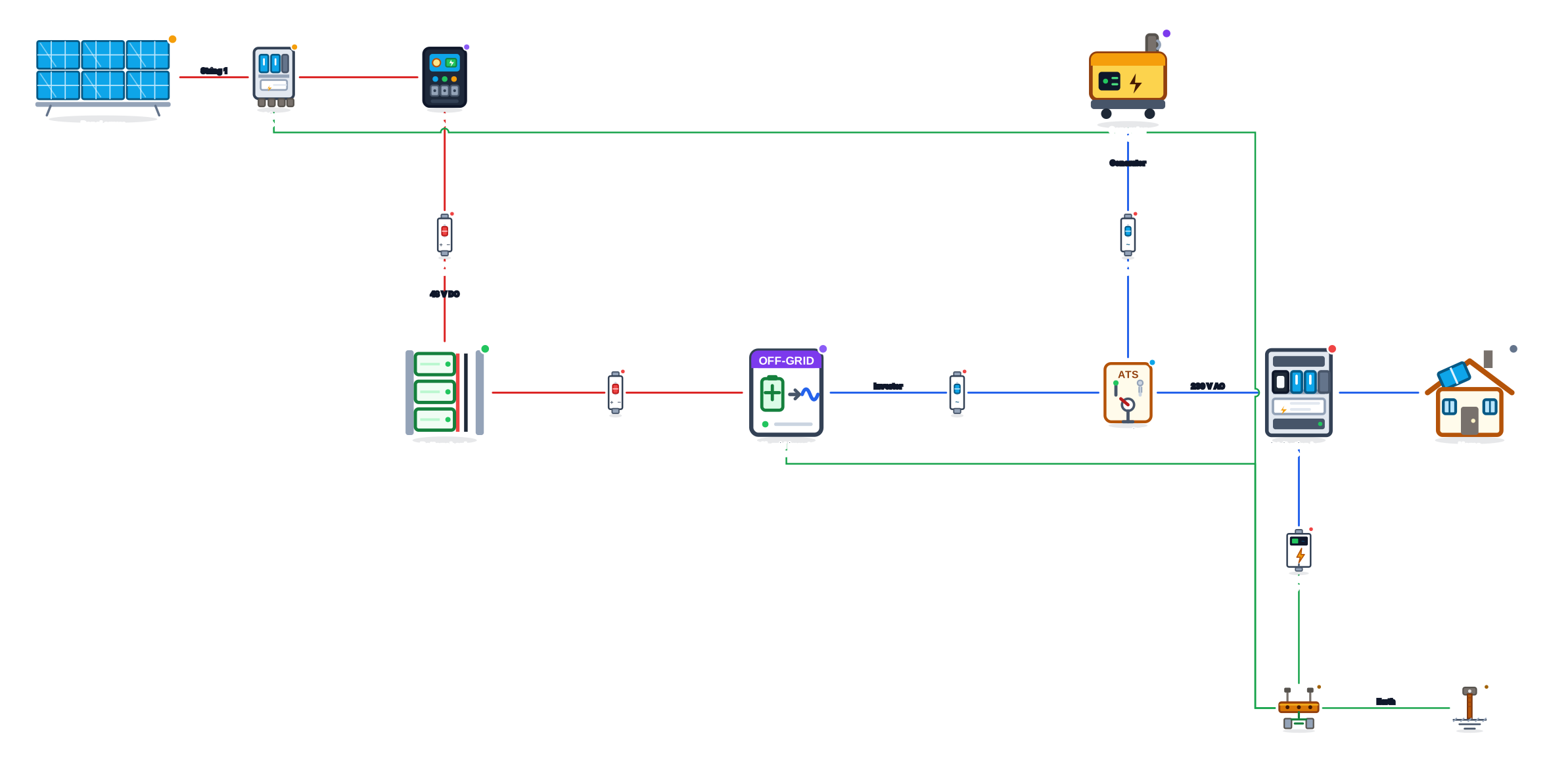 Off-grid system with generator and ATS diagram
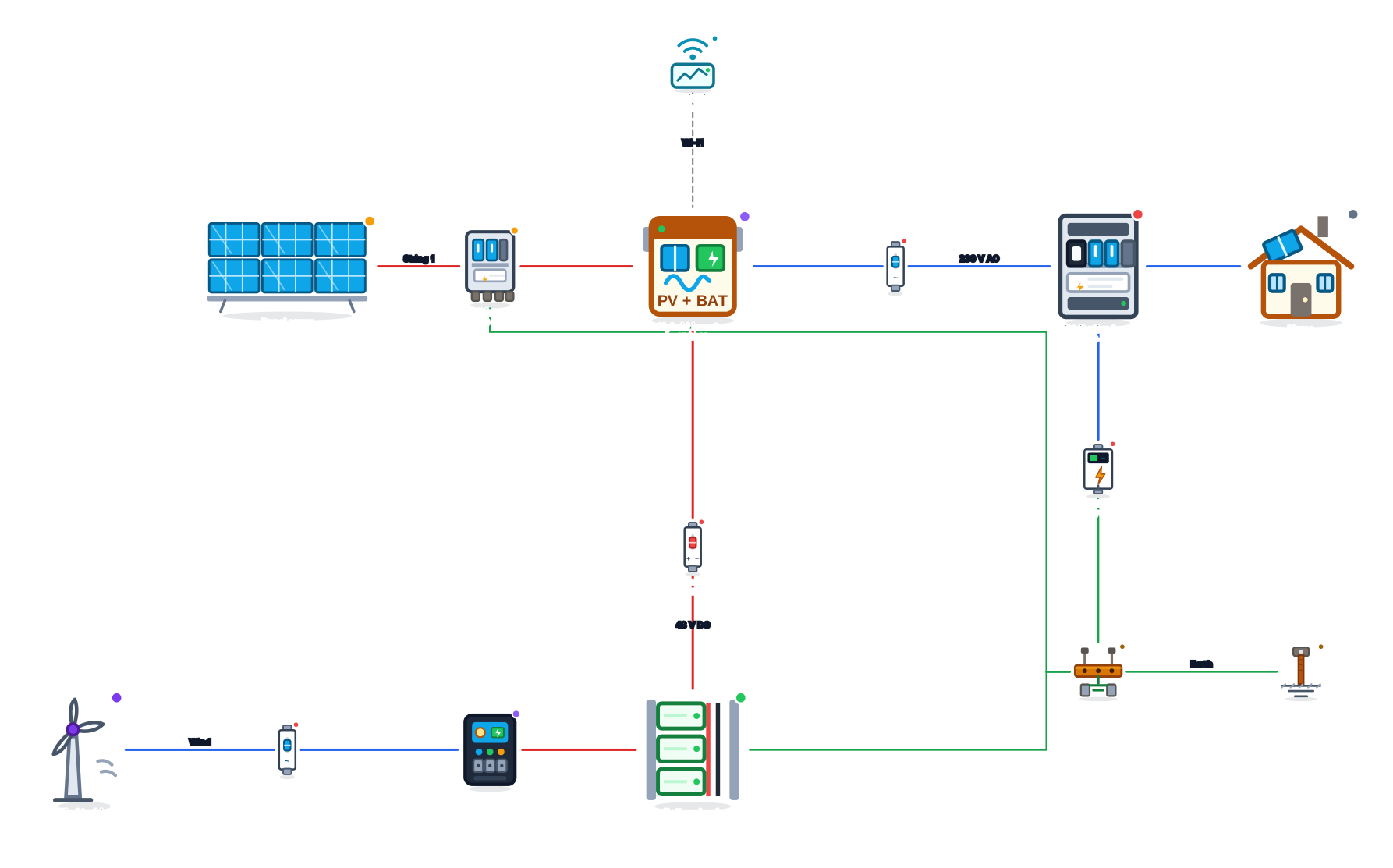 Hybrid solar and wind system diagram